
Download Adventure Game Studio – 2D Game Development, Adventure Game Creation, Interactive Storytelling
Overview
Adventure Game Studio (AGS) is a specialized tool designed for crafting 2D adventure games, inspired by classic titles such as Monkey Island and Maniac Mansion. The application serves as a comprehensive platform for creators who want to develop interactive stories with rich visuals, detailed environments, and engaging gameplay mechanics. It is particularly suited for indie developers, hobbyists, and aspiring game designers looking to build narrative-driven experiences without requiring advanced programming knowledge.
AGS empowers users to design every aspect of their game, from character sprites and background art to dialogue systems and object interactions. The tool is especially valuable in the mobile and desktop gaming ecosystem, where retro-style adventure games continue to enjoy a dedicated audience. While the developer did not provide additional background details, AGS has established itself as a reliable solution for game creation, supported by a long-standing community of contributors and users.
Real-world use cases include educational projects, personal creative ventures, and small-scale game publishing. Its role in fostering independent game development highlights its importance in enabling creators to bring unique stories to life across platforms.
Key Features & Functionality
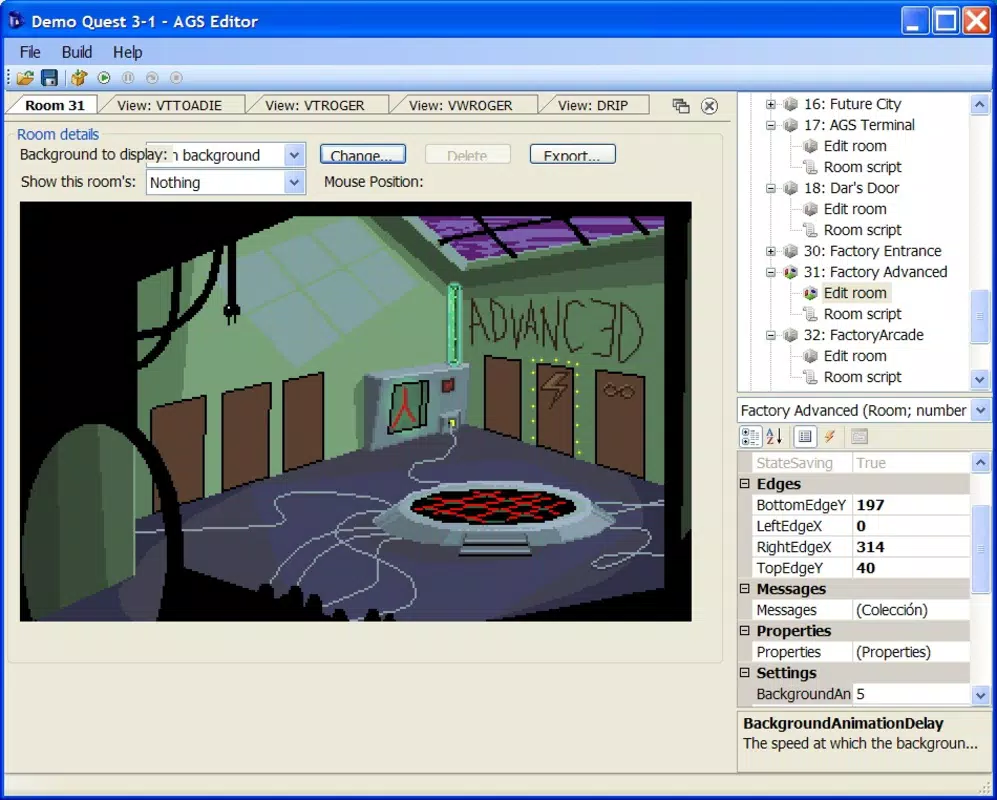
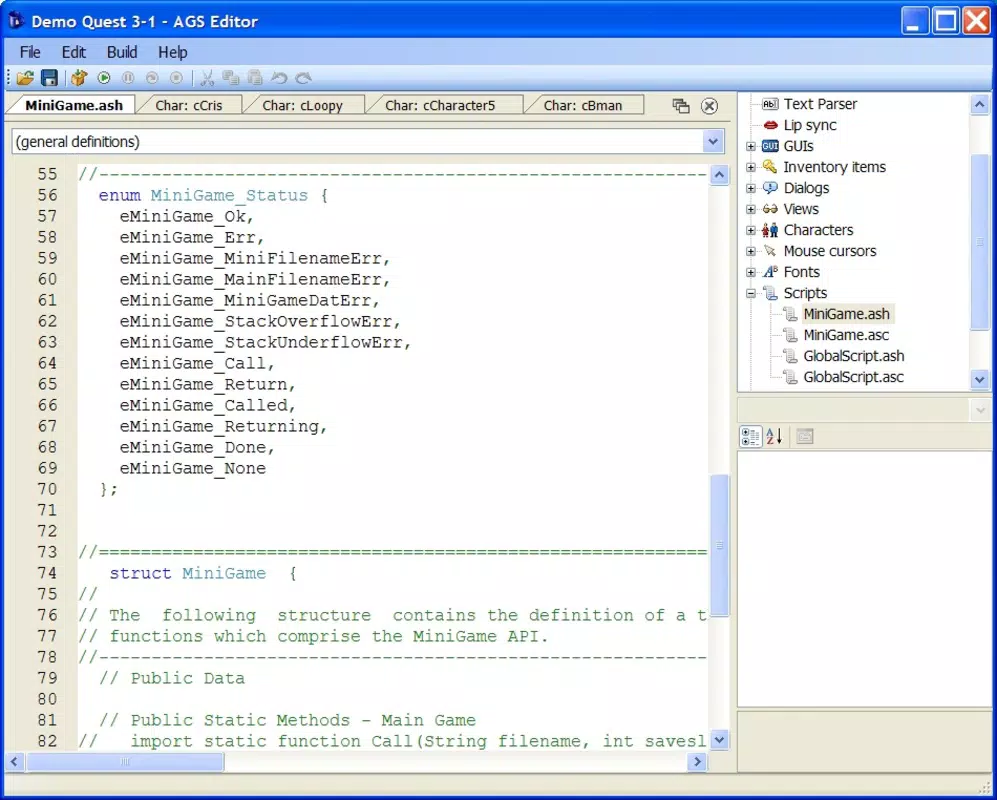
- Visual Interface: AGS provides a structured and intuitive layout that streamlines the game development workflow. The interface is designed to guide users through asset management, scene creation, and scripting, minimizing the learning curve for beginners while remaining powerful enough for advanced users.
- Customizable Controls: Developers can select from multiple input systems, including the SCUMM verb system or mouse-driven commands. This flexibility allows creators to define how players interact with characters and objects, supporting diverse gameplay styles and narrative pacing.
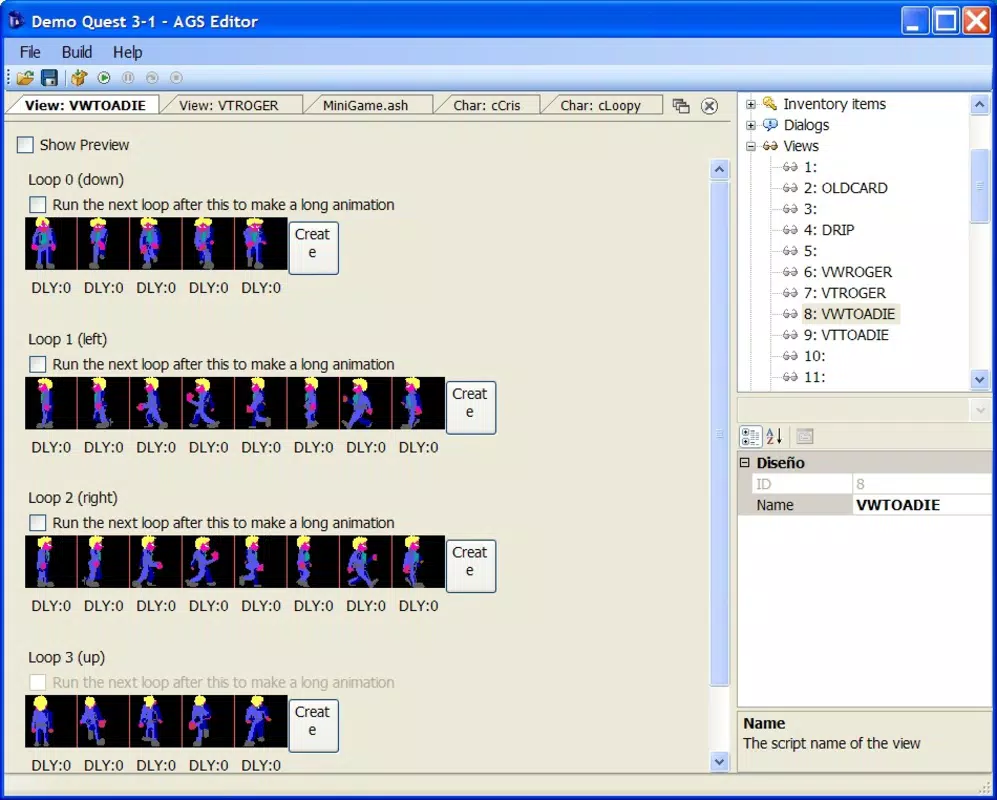
- Sprite and Background Creation: Users can import or create sprites and backgrounds using external image-editing tools. This integration ensures full artistic control, enabling developers to craft unique visual identities for their games.
- Detailed Game Development: The application allows for precise control over rooms, characters, inventory items, and interactive elements. This granular level of customization supports the creation of immersive environments where every detail contributes to the storytelling experience.
- Scripting Language: AGS includes its own scripting language, which gives developers the ability to define complex behaviors, triggers, and logic sequences. This feature is essential for implementing dynamic events, puzzles, and branching narratives.
For example, a developer creating a mystery adventure can use the scripting system to trigger a hidden dialogue when a player examines a specific object. Similarly, a game designer can use the control customization to implement a point-and-click interface that mimics classic adventure titles. These features collectively empower creators to build polished, story-rich games with professional-grade mechanics.
Interface, UX & Performance
The interface of Adventure Game Studio is designed with usability in mind, featuring a clean layout that organizes tools and assets into logical panels. Navigation is structured around project-based workflows, allowing users to move seamlessly between scene editing, scripting, and asset management. The visual style is functional rather than flashy, prioritizing clarity and efficiency over aesthetic embellishment.
While the developer did not list formal performance metrics, the application appears optimized for consistent operation on standard desktop systems, supporting smooth interaction during asset creation and editing. Responsiveness is maintained across different screen sizes and resolutions, although specific device compatibility was not disclosed. Stability is reported to be strong within the developer community, with regular updates addressing known issues.
Although the developer did not specify minimum OS requirements or file size, the application is intended for use on desktop environments, suggesting it is not designed for mobile devices. Users can expect a reliable experience when working on game projects, with minimal crashes or lag during routine tasks.
Platform Compatibility & Technical Requirements
Adventure Game Studio is designed for desktop environments, with the developer not specifying a mobile platform. The application is compatible with Windows operating systems, though exact version details were not provided. The file size was not disclosed, but given the nature of the tool—handling graphics, scripts, and project files—it likely requires a moderate to substantial amount of storage space.
The developer did not specify minimum OS requirements, nor did they list any hardware specifications such as RAM or processor speed. As such, compatibility with specific devices or configurations remains unclear. Users should assume that the application is intended for use on standard desktop computers rather than mobile devices.
The lack of platform-specific details means that installation and operation may vary depending on the user’s system setup, but no compatibility issues were reported in the available documentation.
Pros and Cons
- Offers a powerful, dedicated environment for 2D adventure game creation
- Includes a built-in scripting language for advanced gameplay logic
- Supports flexible control schemes and narrative design
- Encourages artistic freedom through external image editing integration
- Backed by a long-standing community with shared resources and tutorials
- Not available on mobile platforms; limited to desktop use
- Limited documentation on system requirements and performance
- May have a steep learning curve for absolute beginners without prior experience
- Requires external tools for image and audio creation
- Developer did not provide information on updates, file size, or pricing
FAQ
Is Adventure Game Studio available for Android or iOS?
Adventure Game Studio is designed for desktop use and is not currently available for mobile platforms such as Android or iOS.
Can I use Adventure Game Studio to create games for free?
Yes, Adventure Game Studio is available at no cost for creating and distributing games. The tool itself is free to download and use.
Do I need programming experience to use AGS?
While prior programming knowledge is helpful, especially for scripting, AGS is designed to be accessible to beginners. The visual interface and community resources can support users with little to no coding experience.
What kind of games can I make with Adventure Game Studio?
You can create 2D point-and-click adventure games with rich storytelling, puzzles, and interactive environments, similar in style to classic titles like Monkey Island and Maniac Mansion.
How often are updates released for Adventure Game Studio?
The developer did not provide information on update frequency. However, the active community continues to support the tool with patches, tutorials, and shared assets.
Final Thoughts
Adventure Game Studio stands out as a focused, powerful tool for creators passionate about narrative-driven 2D adventure games. Its combination of a user-friendly interface, customizable controls, and robust scripting capabilities makes it a compelling choice for both newcomers and experienced developers. While the lack of mobile availability and limited technical details may be drawbacks for some, its strength lies in empowering individuals to build polished, story-rich experiences from scratch.
The active community and extensive support resources further enhance its value. For anyone interested in game development, particularly in the retro adventure genre, AGS offers a secure, accessible, and creative environment. Download Adventure Game Studio now


